
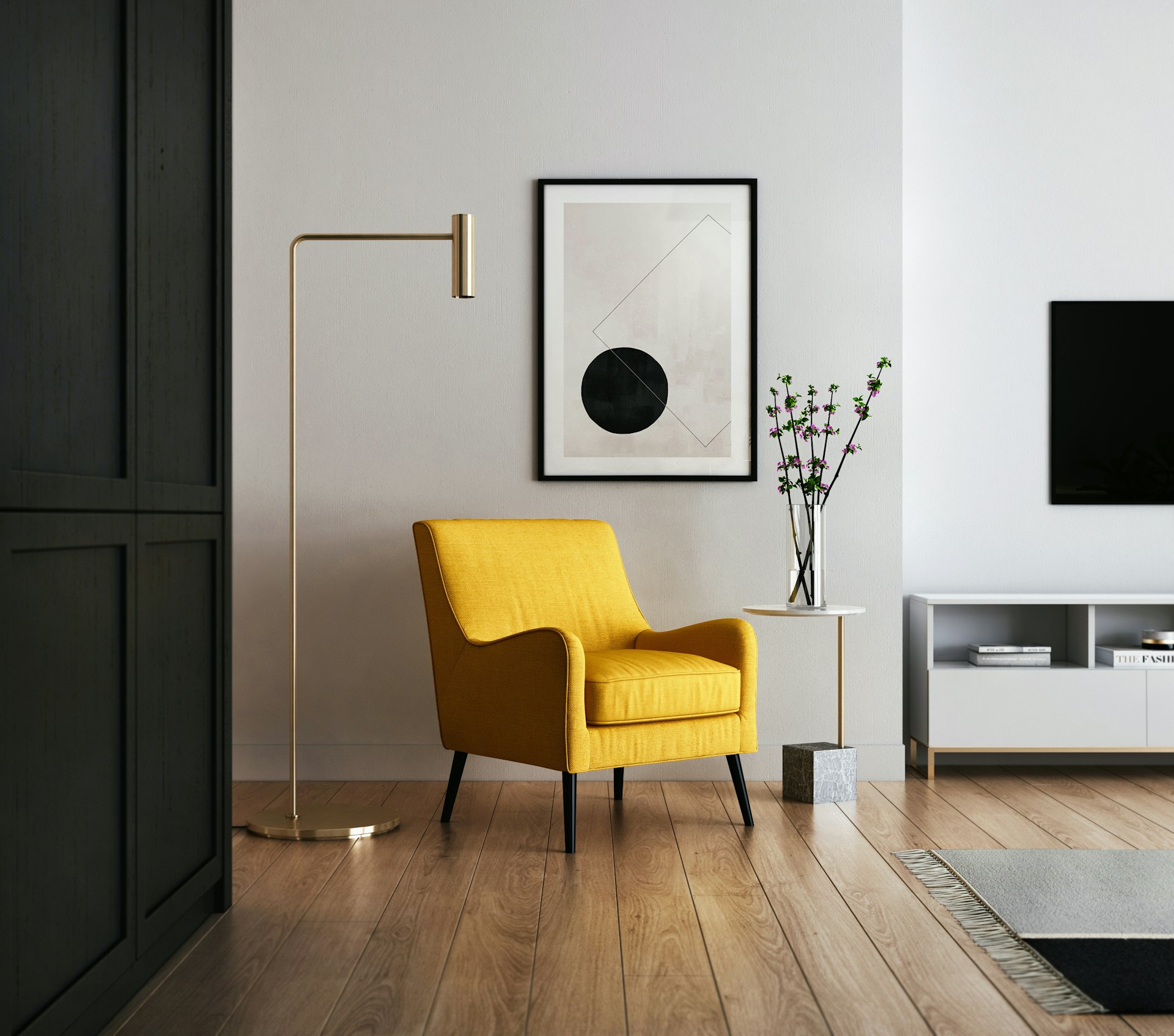
 Virtual apartment tour
Building, floor, apartment: all in one link
The tour opens in the phone's browser — no app to install. Buyers choose a floor, enter the apartment and walk from room to room.
Take the sample tourBuyers pick the building, floor and unit, walk through it in 360°, choose finishes and send a purchase request — from any phone, no app needed.
Buyers rule out the wrong units on screen. Whoever walks into your sales office already knows the layout — the meeting starts with price, not a presentation.
Virtual apartment tourThe tour opens in the phone's browser — no app to install. Buyers choose a floor, enter the apartment and walk from room to room.
Take the sample tour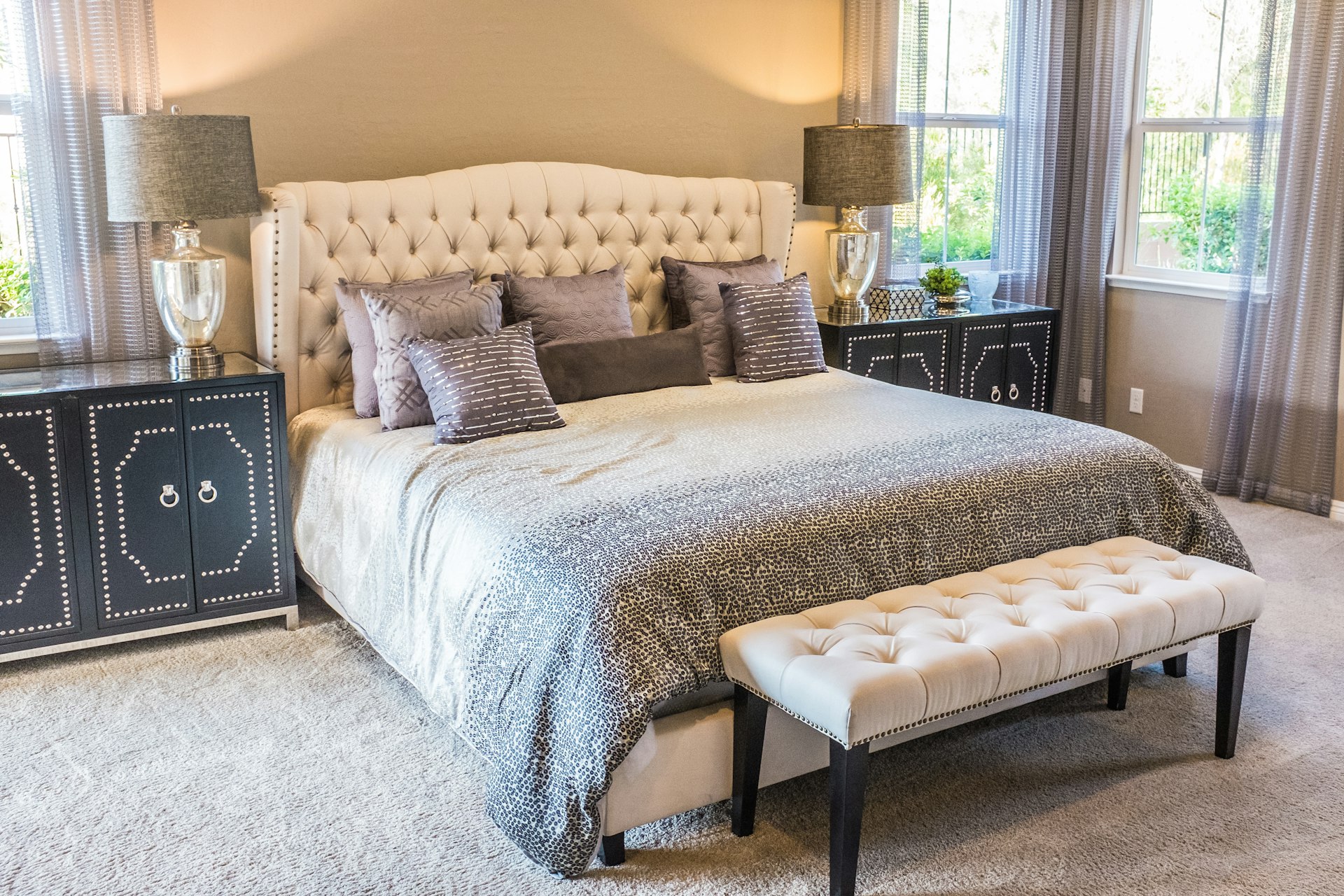 Your project pages
Every project gets its own page. Buyers open your company profile and explore all published buildings and apartments in one place.
Browse company pages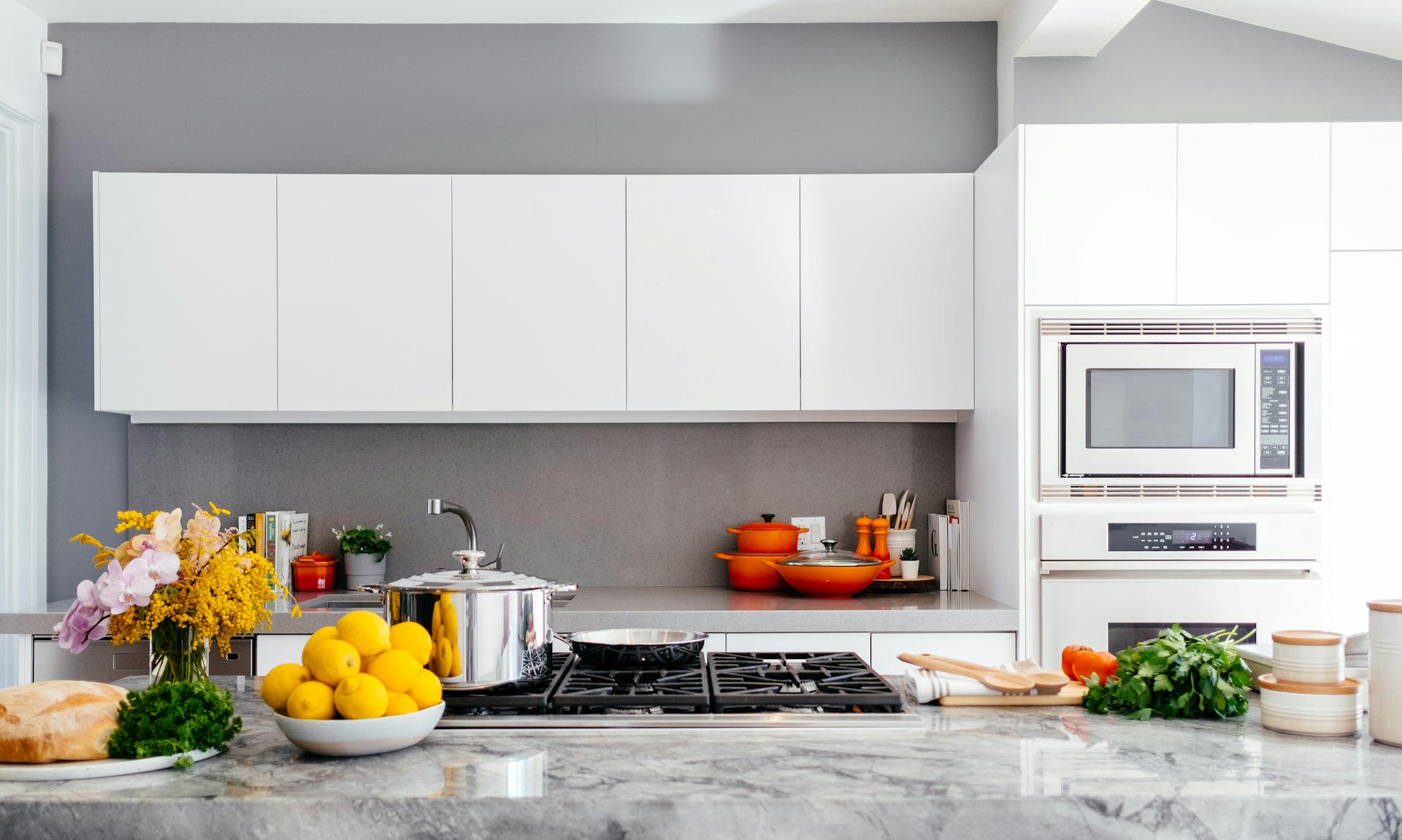 Setup
Send us the apartment photos; we set up the building, floors and units and publish the tour. No software work on your side.
Request a demo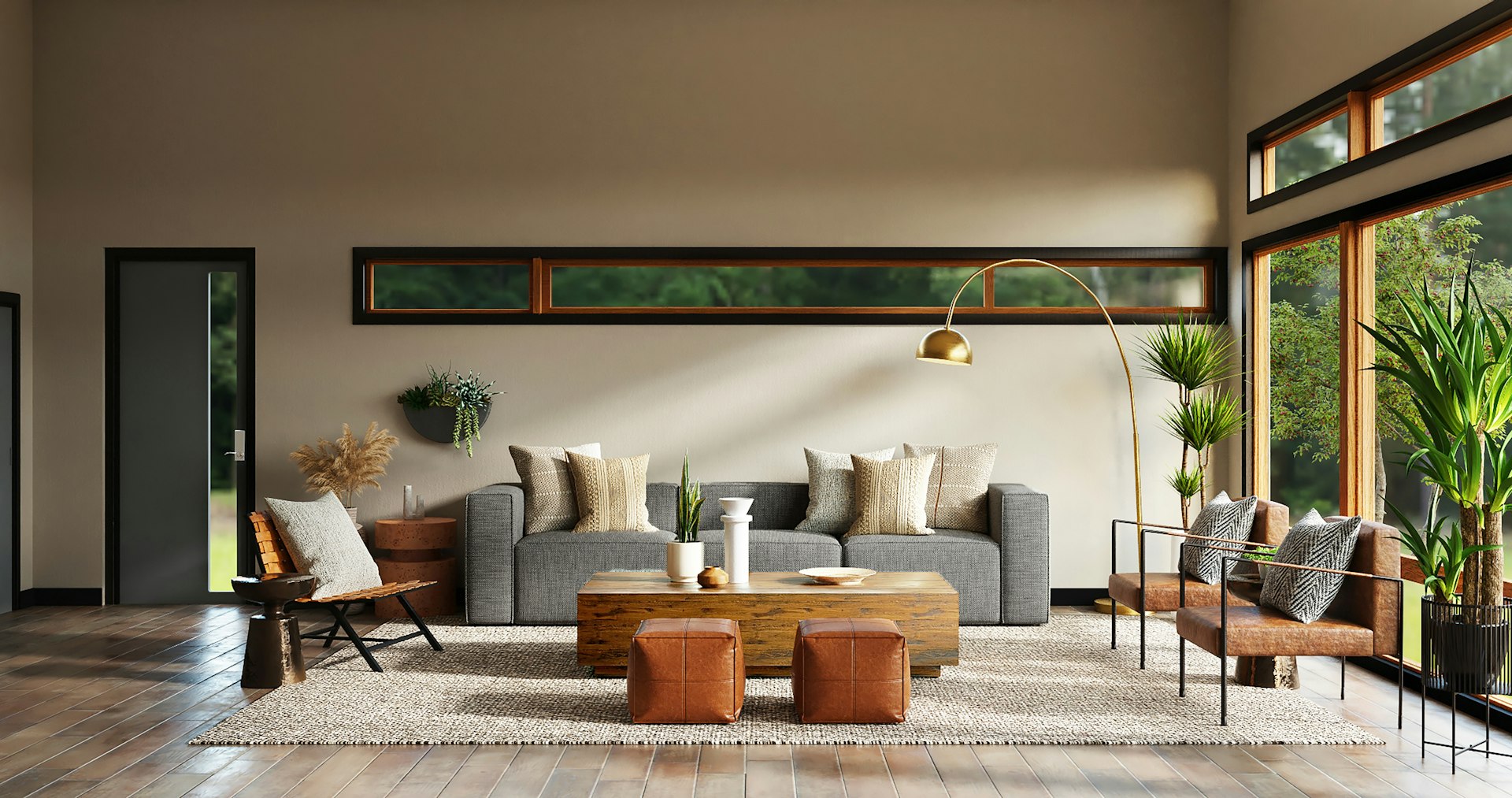
Buyers explore the apartment step by step on their own phone, see how every flooring, wall and finish choice affects the price, and reach you with a ready-made quote summary.
Pick the building and floor — sold, reserved and available apartments are clearly marked.
Drag to look around and tap the arrow at a doorway to move between rooms, always located on the floor plan.
Change flooring, wall colors and finishes — the extra cost of each choice appears right next to it.
Choices turn into a quote summary in one tap; buyers contact you through a consent-based form.
No setup, software or extra staff needed — we publish your first apartment together during the demo call.
Share your apartment photos and any floor plans. No 360° shots yet? We'll show you how to capture them.
We set up the building, floors and apartments and connect the rooms. There's nothing to install on your side.
One link works in listings, on WhatsApp and on the sales-office screen. Buyers don't install anything.
Brochures and floor plans don't sell an apartment. A virtual tour helps buyers make up their minds before they ever visit your sales office.
| Konutverse | Traditional | |
|---|---|---|
| Tour the apartment before visiting | ||
| Choose finishes and colors | ||
| Instant price impact of every choice | ||
| Live sold / available status | ||
| Out-of-town and international buyers | ||
| Report on which units get attention | ||
| Share with a single link |
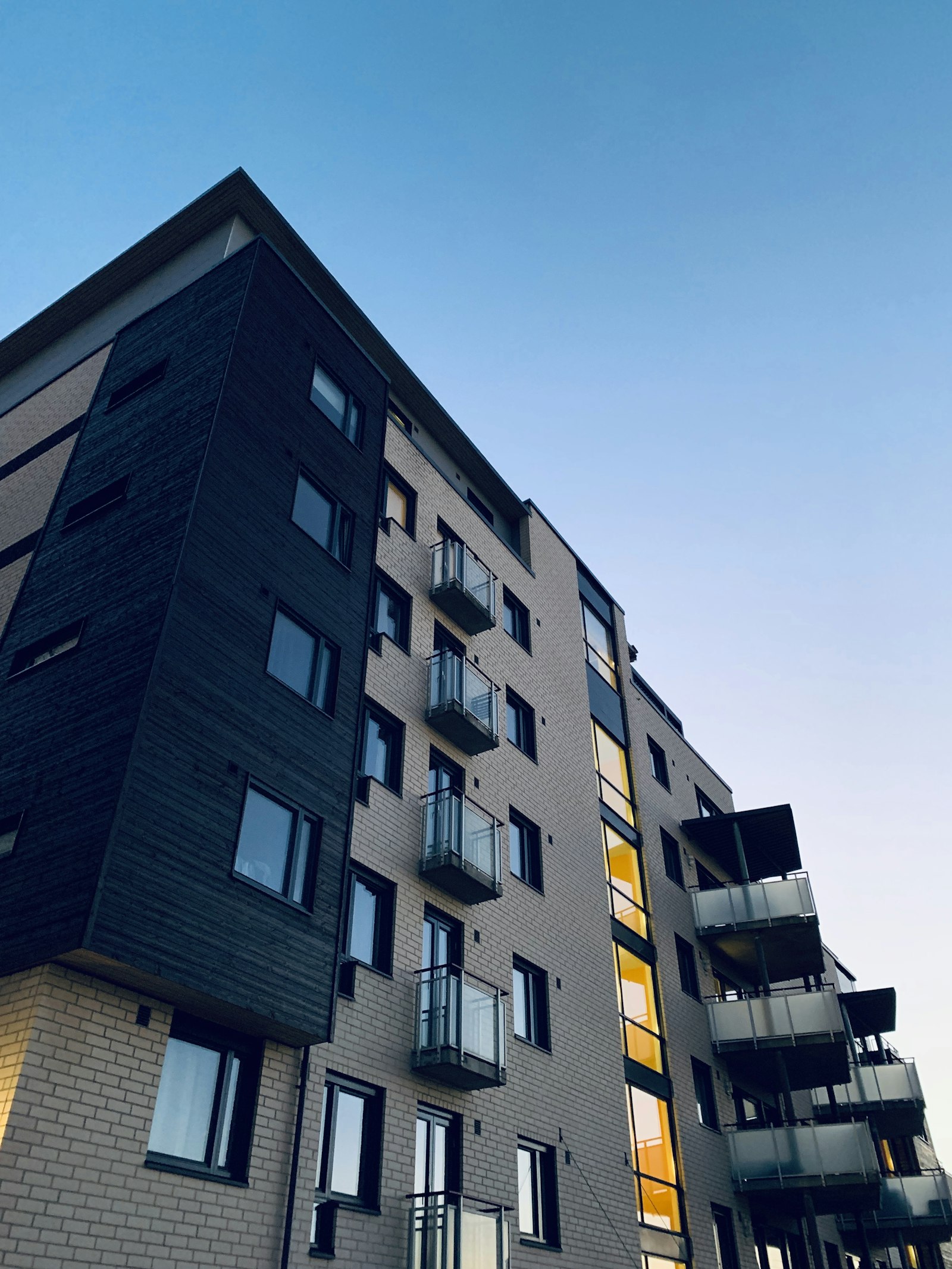
From building to room, one flow.
Buyers pick the building, go to the floor, enter the apartment and walk between rooms — all from the same link.
It's a browser-based walkthrough built from your apartment photos or 3D model. Buyers pick the building, floor and unit, look around in 360° and walk from room to room.
No. The tour is a single link that opens in the browser on phones, tablets and desktops — no sign-up required.
They choose between options for surfaces such as flooring, wall colors and finishes, and see the extra cost of each choice instantly. Options no longer possible at the current construction stage are shown as locked.
Buyers see their choices as a quote summary and leave their contact details through a consent-based form. The request lands in your dashboard together with a copy of their selections.
Yes. Every tour has a shareable link you can use in property listings and on WhatsApp, or embed on your own website.
We set up your first apartment together during the demo call. After that you can add apartments yourself in the dashboard, or send us the photos and let us handle it.
Still have questions?
Tell us about your project — we'll walk through the sample tour together in a 15-minute call.
Explore the sample apartment now, then set up your first one with us in a 15-minute call.